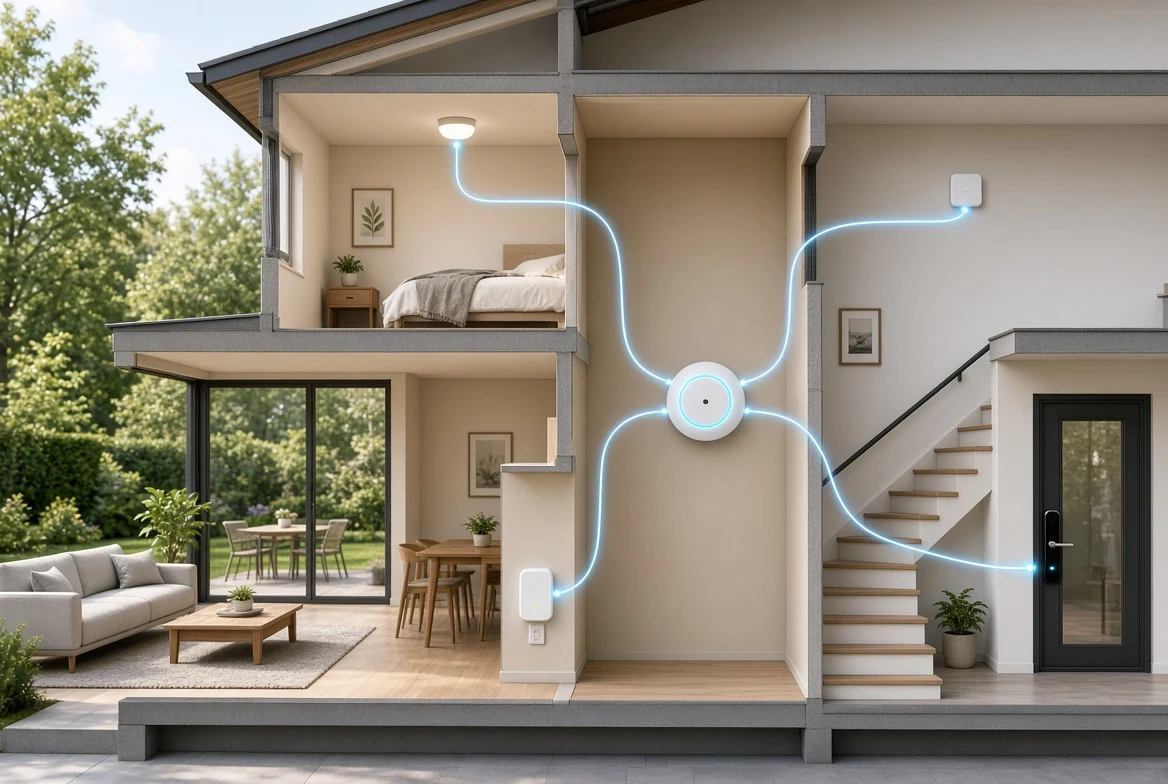
How to set up a smart home is a question of order, not of shopping. The right sequence is router, hub, thermostat, lights, then a lock or camera. Each step makes the next one safer and simpler. The plan also keeps the first bill low, since nothing smart gets bought before the base can carry it.
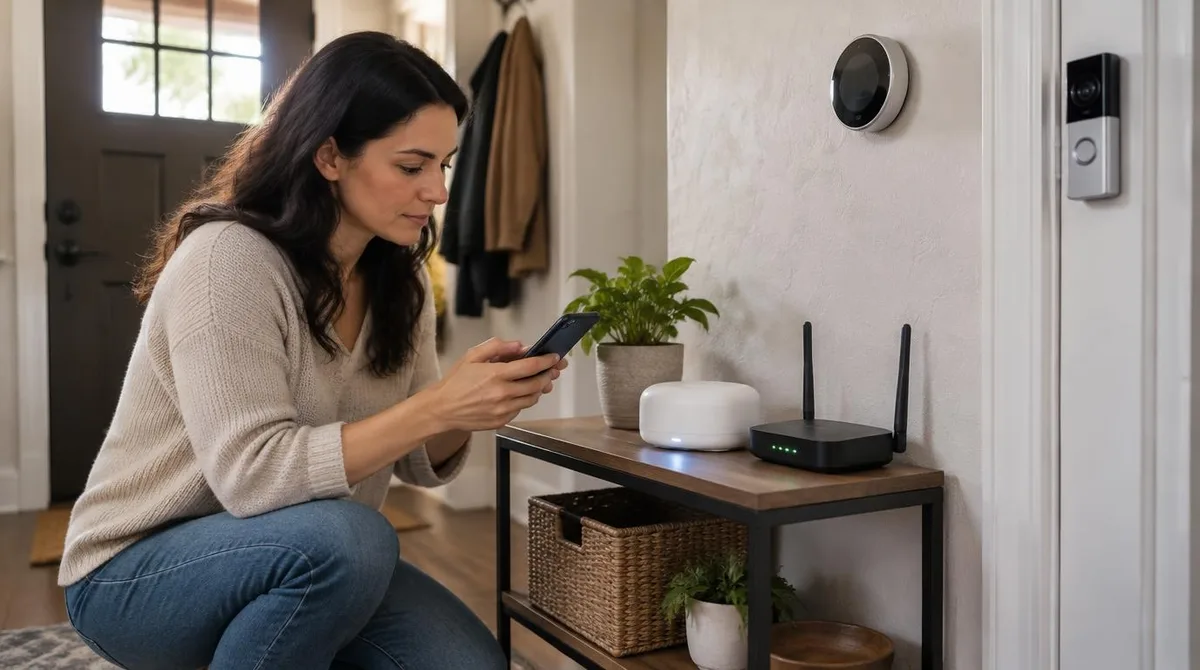
The base is the network. The Federal Trade Commission urges owners to start at the router. Change the default admin login, rename the network, and turn on WPA3 or WPA2 encryption. Fresh firmware closes holes that would make every later device a target. This step costs nothing but an hour.
Start With The Router
The router is the front door of the whole system. Default passwords are public, and scanners find them fast. A strong admin login, good encryption and automatic updates form the real foundation. The FTC also suggests putting guests and cameras on a separate network.
Two factor sign in comes next, on the router app and every cloud account tied to it. One reused password on a camera service can undo a whole hour of care. The FTC repeats this point across its guides, because it fails most often.
Add The Hub Next
A hub is the box that stores routines and speaks Thread, the low power radio behind Matter. Devices marked with the Matter logo pair with one code and join every major platform. The Connectivity Standards Alliance keeps the spec open, so a hub is a tool, not a cage. Start here, and each later device gets simpler to add.
Thread also builds a mesh. Every powered device that joins extends the net a little farther. The far corner bedroom stops being a dead zone. Radios matter more than logos when walls are thick.
The Thermostat Comes Third
Heating and cooling account for nearly half of a typical energy bill, over $900 a year, per ENERGY STAR. A certified smart thermostat trims about 8 percent of that load. That is roughly $50 a year, earned by learning schedules and easing setpoints. It is the one early device with a payback attached. Mount it on an interior wall, away from vents and direct sun.
Certification rests on real field data, not lab claims, which is why the 8 percent figure holds up. Schedules and remote sensors spread comfort evenly, and the savings arrive without daily effort.
Lights, Locks And Cameras Last
Bulbs are the cheapest visible win, so one three pack proves the system to the household. Locks and cameras come last, because both need trust, placement and good habits. The FTC advises picking camera models with built in encryption and two factor sign in. Change every default code on day one.
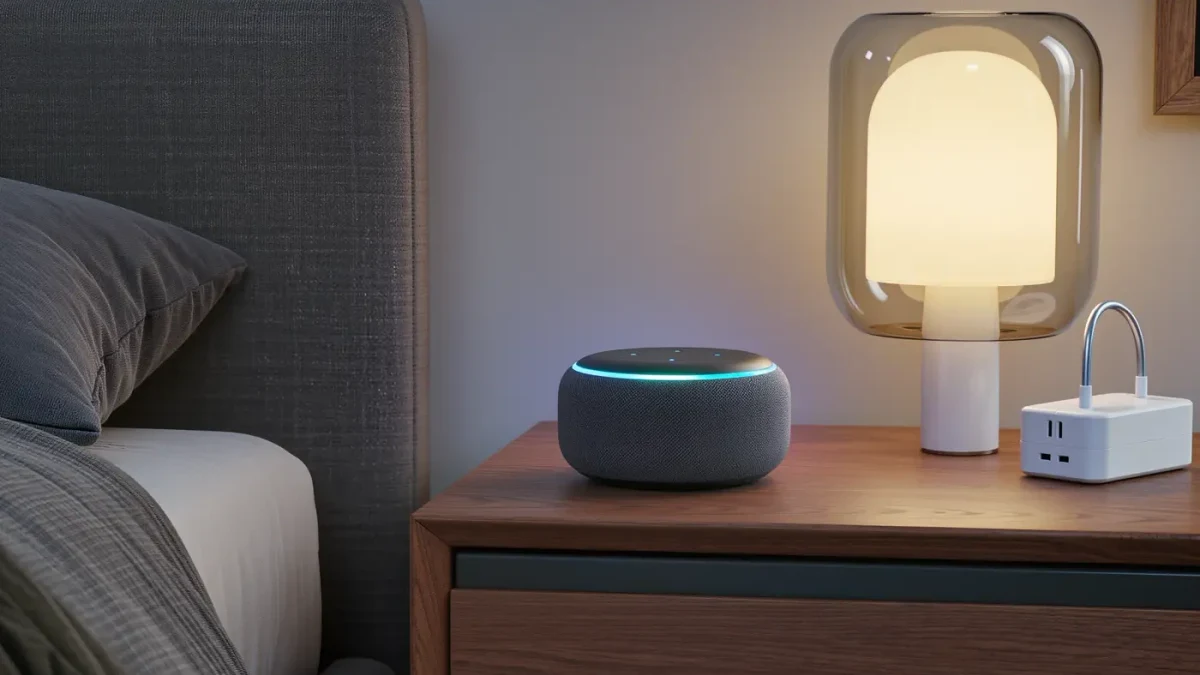
Plugs deserve a spot in the same order. A smart plug turns a dumb lamp or fan into a schedulable device for a few dollars. It doubles as an energy meter for anything suspicious on the bill.
How To Set Up A Smart Home Without Lock-In
Knowing how to set up a smart home without lock-in is mostly about habits. Buy the Matter mark, not a brand promise. Prefer devices that keep working locally when the internet drops. Write down which features depend on each cloud account, so nothing important dies unseen. A system built this way outlives any single company's mood. Renters can follow the same order with plug in gear and no wall changes at all.
Conclusion: The Next Steps
Watch for Matter energy reporting, which will let the thermostat talk to dryers and car chargers. Watch too for national security labels on connected devices, now in pilot form. That is how to set up a smart home that ages well: five devices, one order, and doors left open. A sixth device often follows fast once the routines prove useful around the house. This connects to our earlier piece, Smart Home Automation: The Quiet Glue That Runs The Whole House.