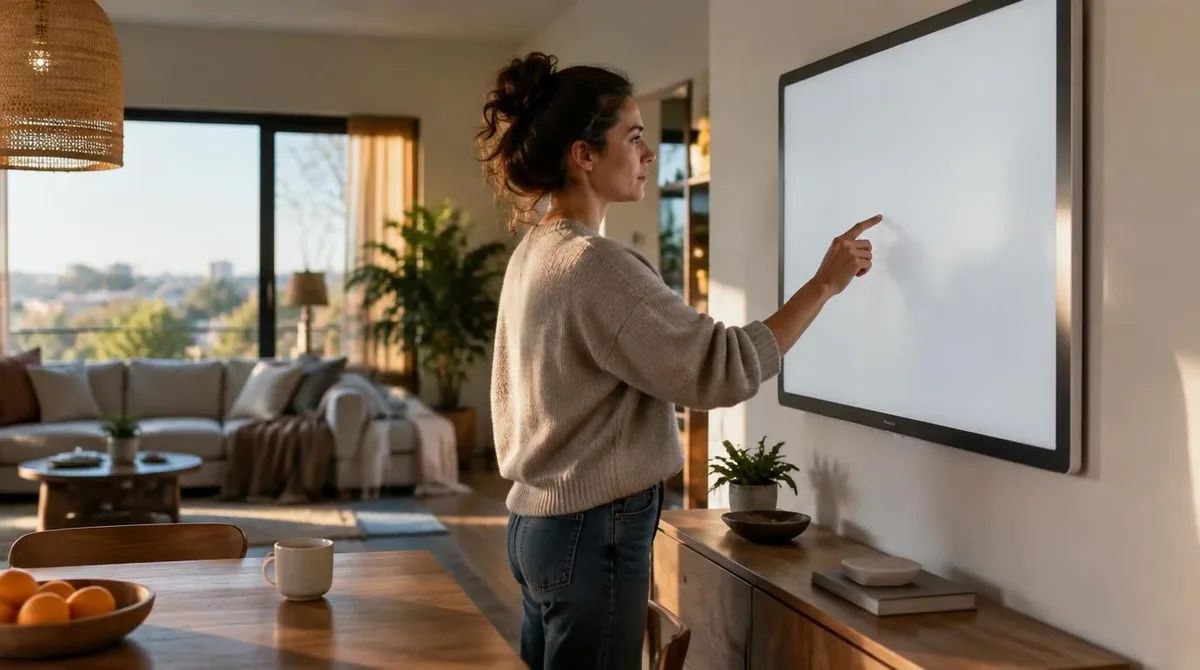
A smart board for home study is a large touch display. It hangs where the whiteboard and the projector used to live. It combines a screen, a pen layer and a small computer. The promise is one surface for lessons, calls and homework markup. The category grew out of classroom displays and drifted home as prices fell and hybrid schooling normalized. The pitch is consolidation: one wall object replacing several desk objects. The pitch also hides a maintenance story, since boards live for years and rooms change faster.
The consolidation claim needs sorting, because some replacements hold and others do not. A smart board for home study genuinely replaces the paper whiteboard and the projector. For some households it replaces the study-room TV as well. It does not replace a tutor, a curriculum or the discipline that any study space runs on. Discipline, in fact, is the one upgrade no screen sells. The board is a surface, not a teacher, and the marketing blurs that line more each year. This connects to our earlier piece, Smart Home News Worth Tracking: Standards Fights and Matter Releases.
Two Boards in One Screen
The hardware splits into two camps, and the camps matter more than the brand badges on them. One camp is the TV-style panel: a big display, often 55 inches and up, with touch added. The other camp is the projector-style board: a short-throw unit painting an interactive image on a wall or panel. Panels win on brightness and upkeep. Projectors win on image size per dollar. Both camps keep improving yearly. Both camps now ship pen support, screen sharing and app stores. The choice therefore rides on the wall, the room and the light, not the spec sheet.
What a Smart Board for Home Replaces
The honest replacement list is short. It replaces the whiteboard, with saving and scrolling that paper never had. It replaces the projector, with no bulbs and no keystone fuss. It replaces the second monitor for group viewing, since everyone faces the same wall. It can host video lessons at homework scale. The list ends there. Notebooks, tablets and one-on-one tutoring survive it, because those tools fit the student instead of the wall. The wall serves the room. Households that buy the board for the full list end up with an expensive TV in a quiet room. The board deserves a job list of three, not a wish list of ten.
Viewing Distance and the Neck
Ergonomics decides more than resolution does. OSHA's workstation guidance points the way even for wall screens. Keep the top of the display near eye height, the neck neutral, and the breaks frequent. A board hung too high turns study time into neck work. Kids seated close to a wall-sized image also move their eyes more than posture expects. Seating distance, ambient light and window glare belong in the plan before the mount goes in. Curtains are cheaper than brighter panels, and seating plans are free. A bright room can wash out any panel, at any price.
Energy and Wall Safety
Two quiet costs finish the ledger. Large displays run for hours daily. ENERGY STAR certifies televisions and displays, which gives shoppers a neutral comparison point for the wall hardware. The other cost is physics: a big panel is heavy, and mounting belongs in studs, not drywall. The CPSC recall feed carries regular actions tied to unstable furniture and screens. That record is the standing case for anchoring anything wall-sized. Anchoring hardware costs less than one co-pay, and installs in an afternoon.
Conclusion: The Wall Waits
A smart board for home study works best as the last purchase of a setup, not the first. The desk, the chair and the routine should prove themselves first. Watch display prices keep sliding, pulling bigger panels into household range. Watch pen input trickle down from classroom lines to consumer TVs. The wall waits. The household that knows what the board replaces buys it once, at the right size, with the right mount. Readers following this should also see The Smart Home Light Switch: A Cheap First Step Done Right.