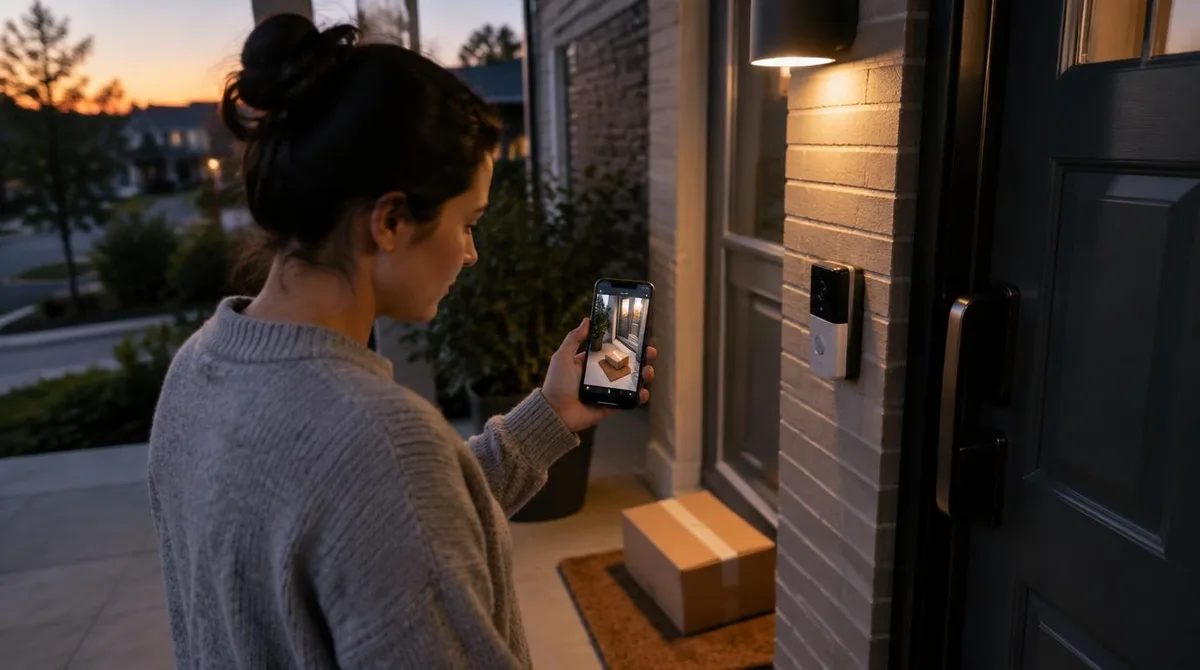
A smart home camera is a small computer with a lens, pointed at the most contested ground in a house. That ground is the doorstep. It watches packages, visitors and sometimes neighbors. The Federal Trade Commission publishes a short checklist for the category, and it starts before the box is opened. What the camera sees, where footage lives and who can reach it decide most of the value.
The category split into three shapes: doorbells, bullet cams and pan units. All three trade the same questions: encryption, storage and sightlines. The answers differ less by shape than by maker discipline.
What The Smart Home Camera Sees
Field of view and mounting height decide the story a camera tells. A doorbell at chest height catches faces; the same unit at the eaves catches hats. Wide lenses see more and identify less. The doorstep wants a tight frame, and the yard wants a wide one.
Night mode is the doorstep's real test. Infrared washes out faces at range, and porch lights fight the sensor. A lamp on a sensor often beats a fancier lens. Test both at dusk before drilling anything.
Detection has grown teeth. Person versus package versus animal now runs on the device itself in better models. That cuts false alerts and cloud dependence. NIST guidance on connected devices favors this local first design for good reason.
Storage: Cloud, Card Or Both
Cloud storage keeps clips safe from thieves and fires, but it charges monthly and quits when firms close. Local cards cost once and stop at theft or heat. Both is the honest answer, with the cloud as backup and the card as base.
FTC guidance adds the access rules. Strong unique passwords, two factor sign in on cloud accounts, and a login page that starts with https. Any camera that fails those three is a camera pointed at its owner. Encrypted cards close the gap between cloud and local plans.
Retention rules matter as much as media. Thirty days of clips is a diary of a household's life, so a shorter loop protects everyone. Set the clock before mounting the first bracket.
The Privacy Check Before Mounting
Sightlines carry law with them. A camera aimed at a neighbor's door or the sidewalk invites disputes and, in some places, statutes. The doorstep frame should end at the property line, and shared streams deserve permission levels. The FTC specifically flags livestream sharing as a setting worth auditing.
Signage does quiet work too. A small notice at the door sets expectations and, in many places, satisfies the law that applies.
Inside, the rules tighten. Private rooms need cameras nobody needs, and any panel with a microphone belongs in shared space. A smart home camera that watches the living room should say when it listens, clearly and often. We covered a connected angle in The Smart Home Door Lock: Mechanisms, Standards And Failure Modes.
Checklist Before Any Purchase
Five checks cover the field. Encryption for livestream and stored video. Two factor sign in. Local storage or a clear export path. An access log the owner can read. A support window in writing. The FTC checklist rhymes with all five. A weather rating matters outside; the eave is not a guarantee.
Placement finishes the job. Mount at face height, under an eave, within reach of a ladder and out of reach of a passer by. Angle beats altitude.
Conclusion: Watching The Watcher
The smart home camera keeps getting smarter at the edge. Recognition runs on the chip, and footage never leaves the house. Watch for Matter camera support to untangle app sprawl, and for privacy labels to make recording habits legible. Battery units trade convenience for cold weather reliability, and wired wins where winters are real. The doorstep stays the test: the best camera sees the package, misses the street and answers to its owner. For related coverage, see The Smart Home Installer Trade: Credentials, Quotes And Red Flags.